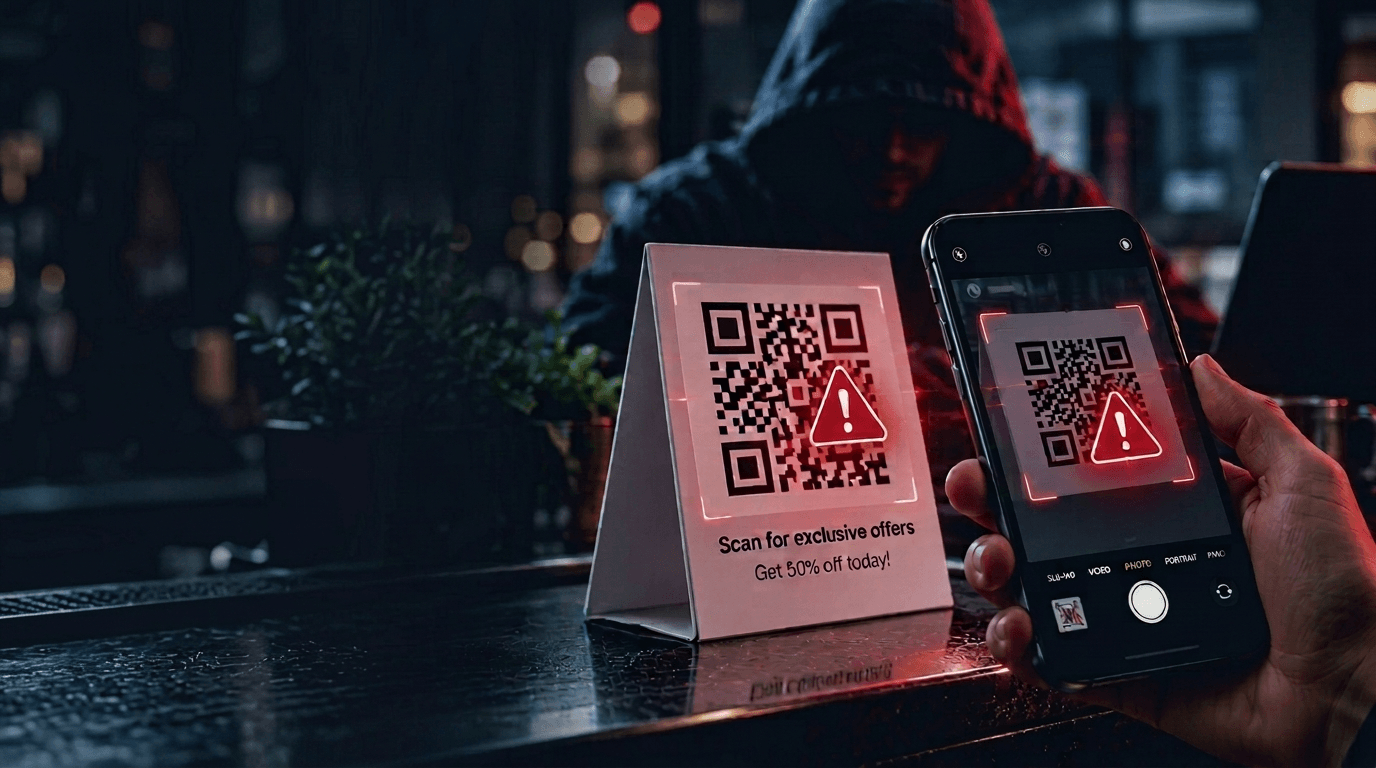
A code in an unusual place
Check for overlays, tampering or a QR code introduced in an unexpected message.
Meet AwareX: awareness learning that puts the destination and the decision ahead of a familiar-looking request.
Where we test
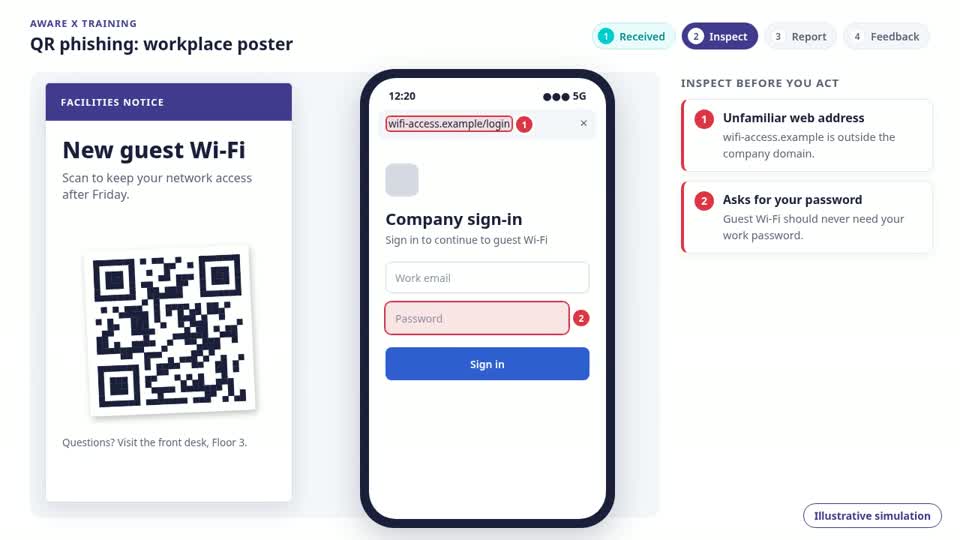
Quishing uses a QR code to take someone to a deceptive destination. The code may appear in an email, on a document or on a physical sign. Its appearance does not reveal whether the destination is trustworthy.
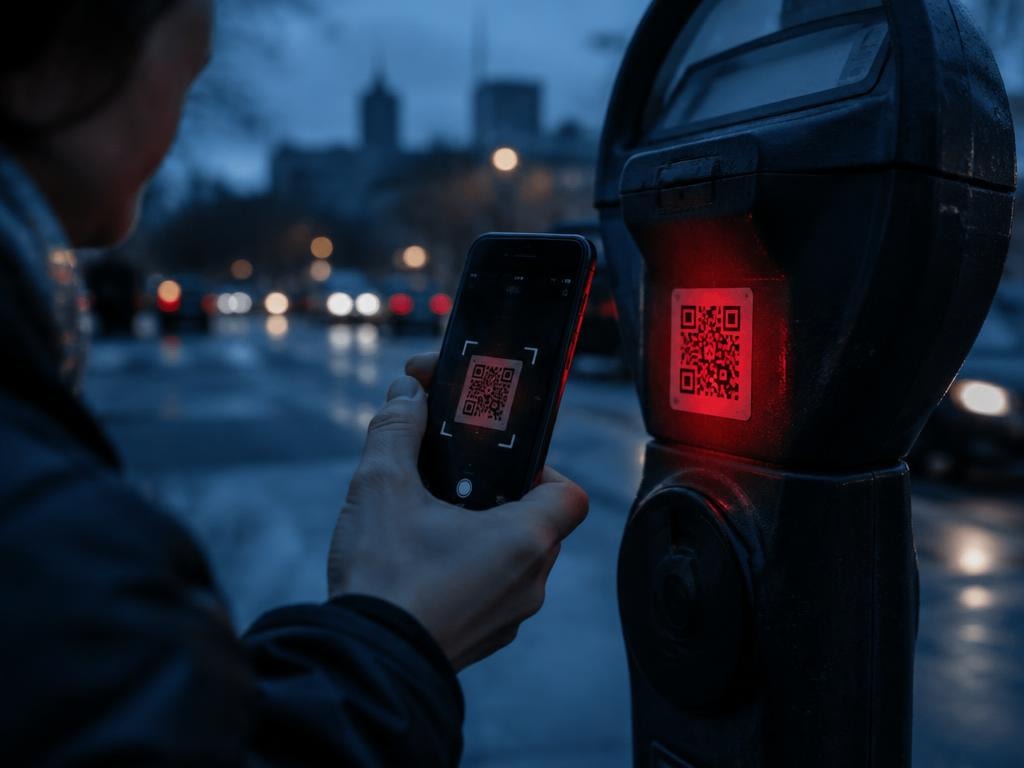
A sticker covers the original QR code on a parking sign. Scanning it leads to a lookalike payment page. The setting seems legitimate, but the destination is controlled by someone else.
Read the guide: What is quishing?
Check for overlays, tampering or a QR code introduced in an unexpected message.
Preview the URL and inspect the domain before opening the page.
Unexpected requests for credentials or payment details should trigger independent verification.
Preview and check the destination before opening a scanned link.
Use the official website or app for sensitive transactions.
Report suspicious codes or altered signs rather than forwarding them to colleagues.
AwareX focuses learning on the cues that influence a person’s decision. Relevant email scenarios and contextual coaching help people question a request and verify the destination before trusting it.
Dedicated QR-code simulation capability is not established in the supplied presentation scope. Confirm requirements and available email scenarios during a demo.
No. A QR code is another way to encode a destination. A scan does not establish who controls the page or whether a request on it is legitimate.
The form is available to preview, but delivery is not yet connected. Submitting it does not send or save your details.